File Manager Problems - New Installation
Trying to use file manager for the first time produces the following problems:
-
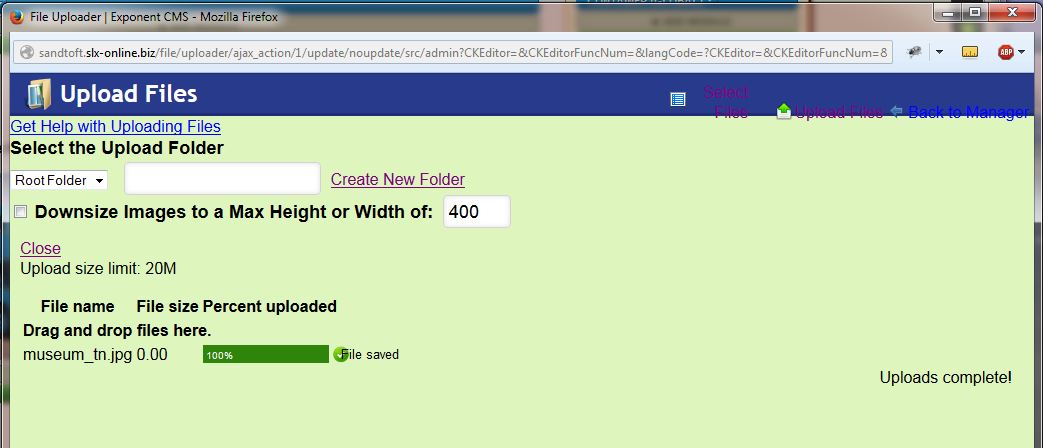
Upload screen formatting - the action menu top right is part in part out the header colour and difficult to read - see screenshot Capture.JPG
-
I am not able to create a new folder - click on the link and nothing happens except the link changes to the Visited colour.
-
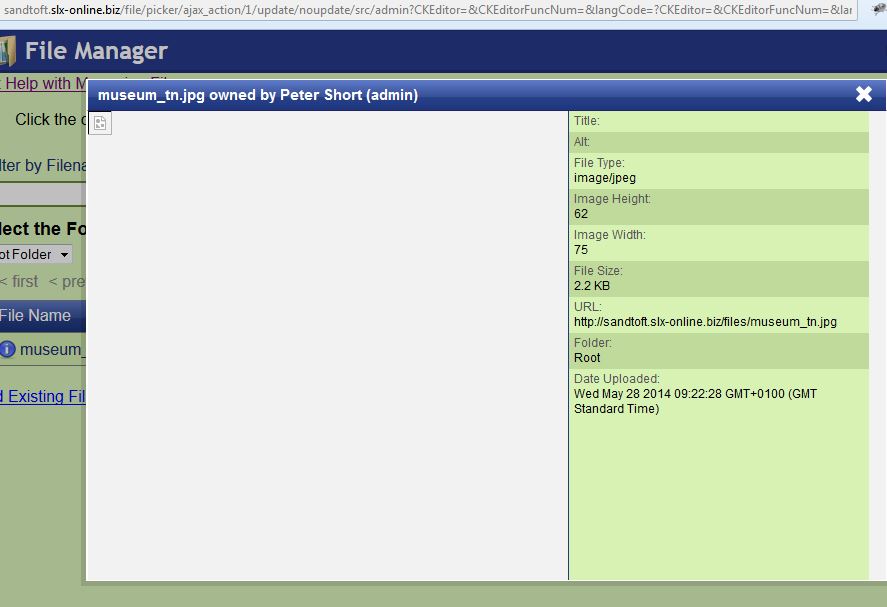
Files are uploaded to the Files folder OK, but when you click on the filename in File Manager there is no preview, just the associated data - see screenshot Capture1.JPG
-
Similarly if I click on the button to edit the image, the image editor opens but is blank apart from a placeholder - see Capture2.JPG
-
If I try to tick the box for public access, the popup appears, I click Save but the box is not ticked.
-
 Capture.JPG
65.3 KB
Capture.JPG
65.3 KB
-
 Capture1.JPG
59 KB
Capture1.JPG
59 KB
-
 Capture2.JPG
56.2 KB
Capture2.JPG
56.2 KB

-
 peters@slx-online.biz
Just to confirm, with patch 2 installed items 2, 3 and 4 are still outstanding.
-
peters@slx-online.biz
This was the old file manager, but it's not obvious there's more than one. After trawling the documentation it said there are two but not how you change from one to the other. I did work it out eventually and now have the 'new' one.
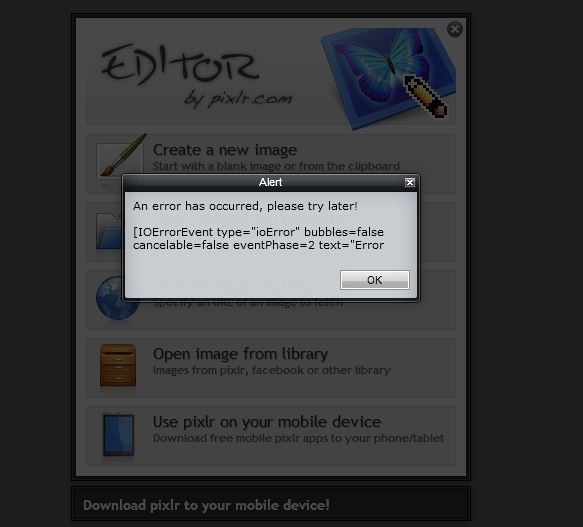
I can now create directories and upload files to them. However there is no thumbnail and preview doesn't display an image either. If I try to use the pictures, for example in a photo gallery, there is also no thumbnail and no image, even though I selected them from the server. FileZilla confirms the files upload correctly. If I try to edit with Pixlr I get an error see attached.
-
 Capture.JPG
38.4 KB
Capture.JPG
38.4 KB
-
 Capture1.JPG
36.5 KB
Capture1.JPG
36.5 KB
-
-
peters@slx-online.biz
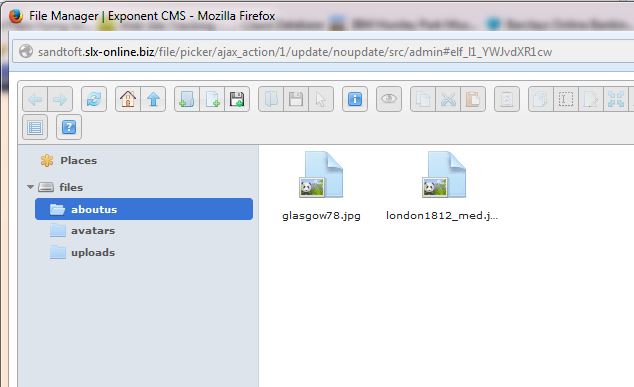
As I have already told you, the folders on the server have full R/W permissions - see Capture.JPG.
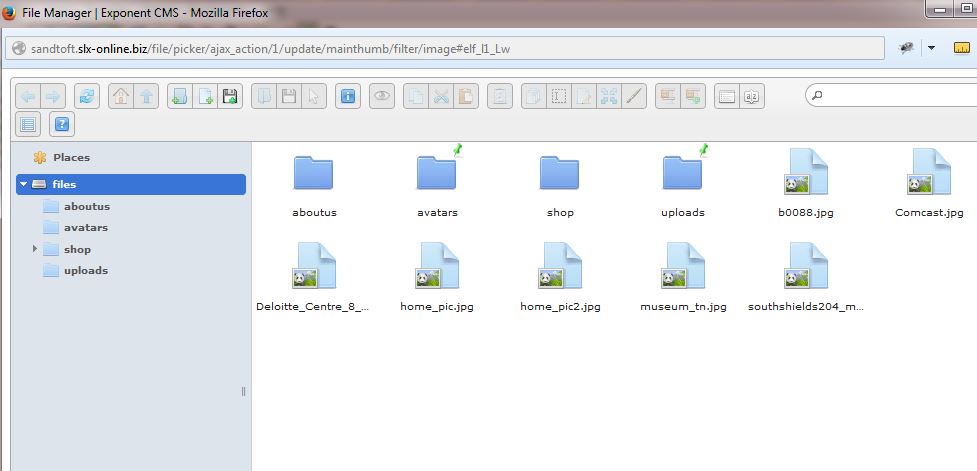
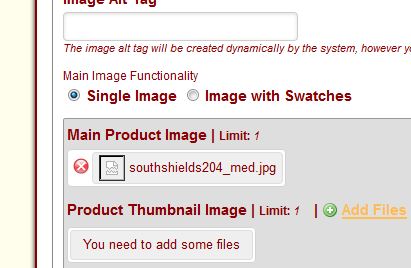
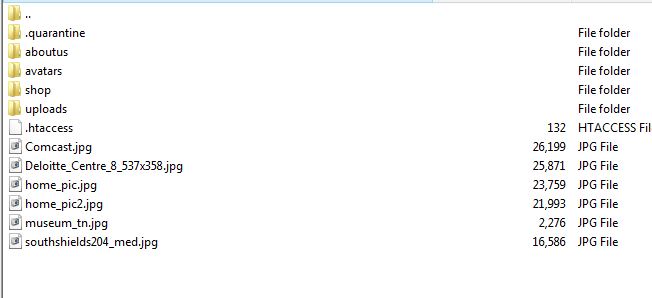
Capture1 shows the file manager after drag / drop the files, and Capture2 the resulting display. Capture3 shows that the files are present on the server.
You mention a 'temp' folder, Exponent has created a 'tmp' folder not 'temp'. I cleared all caches via Exponent then manually removed any remaining cache files from the server.
-
 Capture.JPG
54.2 KB
Capture.JPG
54.2 KB
-
 Capture1.JPG
55 KB
Capture1.JPG
55 KB
-
 Capture2.JPG
29.3 KB
Capture2.JPG
29.3 KB
-
 Capture3.JPG
30 KB
Capture3.JPG
30 KB
-
-
peters@slx-online.biz
Fasthosts shared server, Linux, PHP 5.4
-
peters@slx-online.biz
Please can you confirm progress on this issue? I have been away from this development for a while due to a lightning strike that took out my broadband router, but am now back on line.
The issue remains: Images uploaded with file manager are present on the server. Permissions 707. However thumbnails do not appear in file manager. Also I was unable to load any images into Pixlr even using the Load from URL rather than clicking from File Manager. When I removed the .htaccess file from the Files folder I was able to load the images into Pixlr using Load from URL, but this did not change the file manager issue.
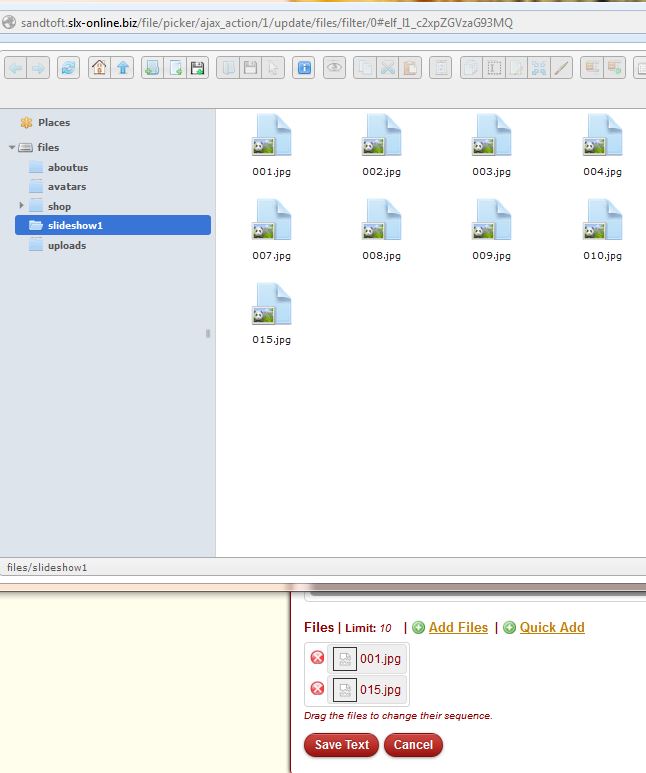
I can add images to a page from file manager OK, even though I cannot see the thumbnail in file manager. Adding images to a slideshow or gallery however doesn't work, I get the 'no image' image, whether I use Add or Quick Add.
-
 Capture.JPG
54.9 KB
Capture.JPG
54.9 KB
-
-
peters@slx-online.biz
This is strange. All of the img_cache folders are 755. I have just downloaded all of the folders and the thumbnails all appear to be present and correct. I have now removed .htaccess from tmp\img_cache and now the thumbnails all appear. So it looks like the .htaccess file is causing the problems. It's contents were:
secure directory by disabling script execution
AddHandler cgi-script .php .pl .py .jsp .asp .htm .shtml .sh .cgi
Options -ExecCGIThis .htaccess file was created by Exponent so I guess maybe you need to look a this??
-
peters@slx-online.biz
That's what I thought, but clearly it is causing a problem on my server, for whatever reason. This is a shared server at Fasthosts running Linux. I have not had any similar problems with any other (non-Exponent or Exponent .97) sites that I run from there, so it would be interesting to find out what the problem is. I can work now with .htaccess removed, but longer term this could happen again.
-
peters@slx-online.biz
Just thought I'd let you know that I have now had this same problem on the new site converted from 0.9x to 2.3.3. Both the tmp and files folders contained htaccess files. Once deleted I was able to access the images. Fasthosts shared server, Linux.
Regards.
Peter.

Please Sign in or create a free account to add a new ticket.
With your very own profile, you can contribute to projects, track your activity, watch tickets, receive and update tickets through your email and much more.