Photo Album not working
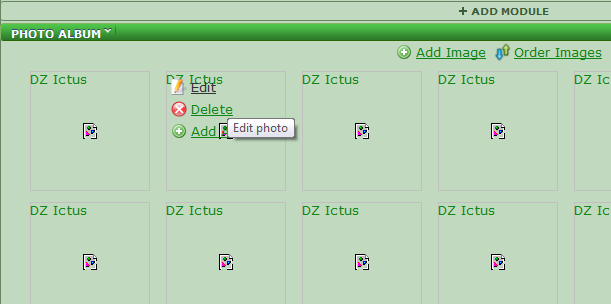
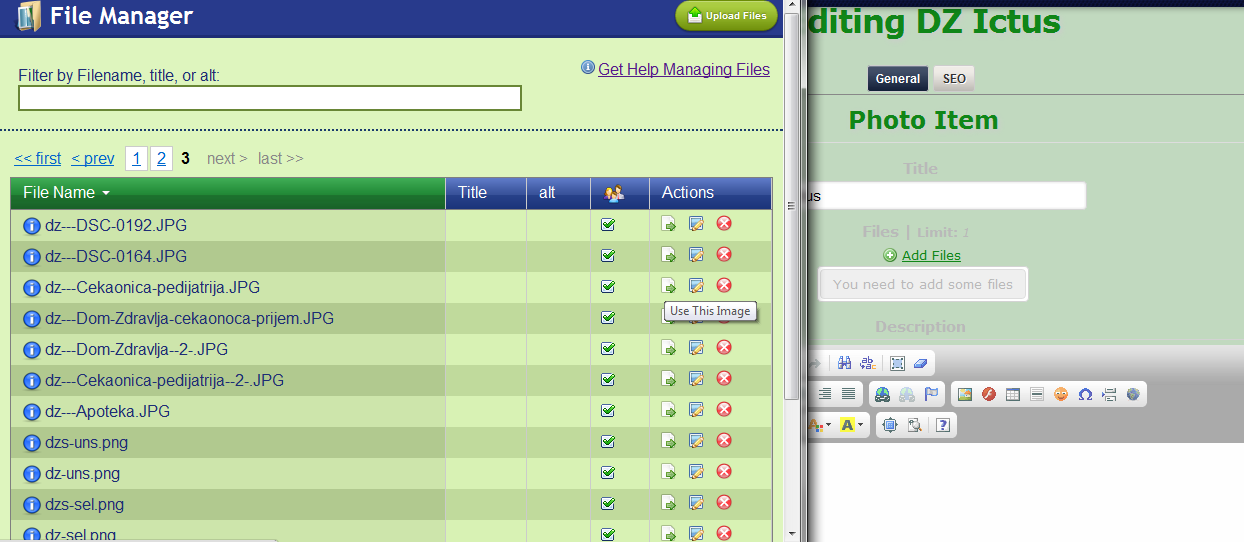
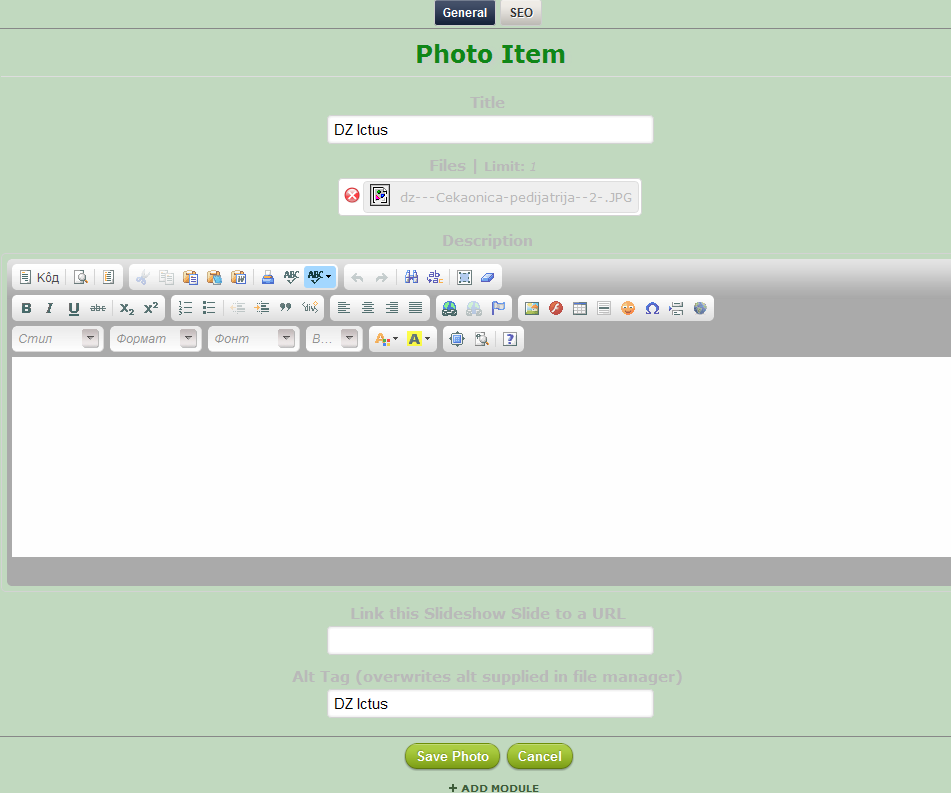
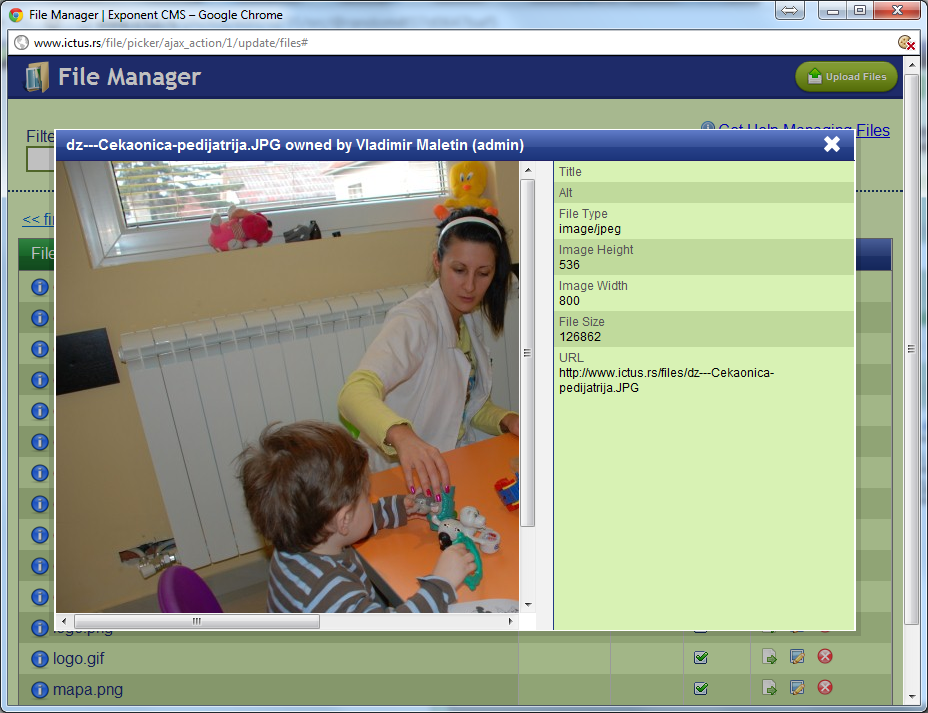
When I try to add existing images to gallery, they are not
showing :(
It worked a while ago and nothing is changed...
-
 problem1.png
15.1 KB
problem1.png
15.1 KB
-
 problem1a.png
113 KB
problem1a.png
113 KB
-
 problem2.png
50.1 KB
problem2.png
50.1 KB

-
 VladaM
- I applied patch 5 days ago because photoalbum stopped working
- I didn't move anything. No migration is done. I firstly installed exponent end of january 2012. It all worked well, then, all of a sudden photoalbum stopped working.
- Graphics are shown on #2 Nav manager tab styles broken when in preview mode
-
-
VladaM
everything is correct.
try connectiong to www.ictus.rs usr/pwd: test
then goto http://www.ictus.rs/dzgalerija and see if you need any other infos -
VladaM
premissions are set to 755, and it has a file named phpThumbCacheStats and several numbered folders..
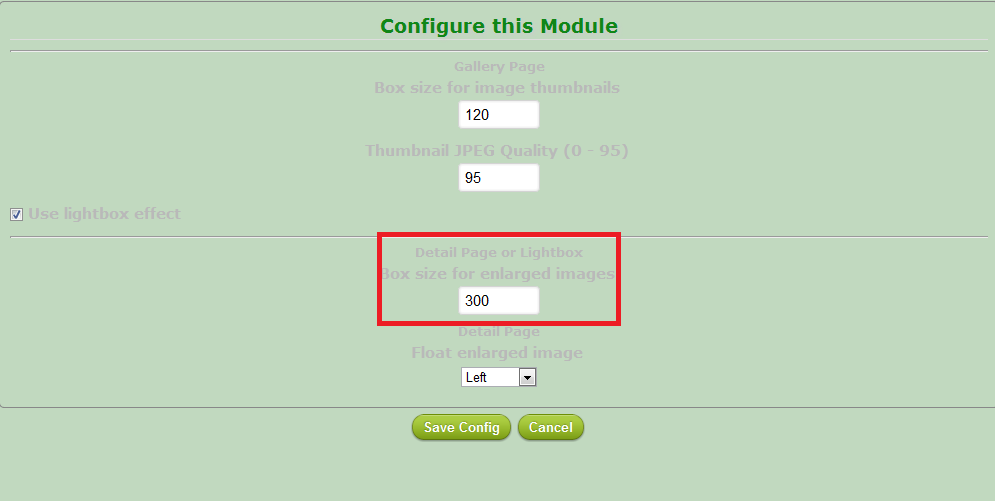
one more thing, when I delete "Box size for enlarged images" in module config, it opens image in lightbox.
this means, when I try to open "http://www.ictus.rs/thumb.php?id=40&w=300", it won't work, but when I try with "http://www.ictus.rs/thumb.php?id=40&w=" (without w parameter) it opens.
this is not case with thumbnails :(-
 problem4.png
26.7 KB
problem4.png
26.7 KB
-
-
VladaM
I did try re-extracting and patching with no luck.
So, I solved the problem by editing framework/modules/photoalbum/views/photos/showall.tpl
Edited line 56:
OLD:
NEW
Edited line 62:
OLD: {img class="img-small" alt=$record->alt|default:$record->expFile[0]->alt file_id=$record->expFile[0]->id w=$config.pa_showall_thumbbox|default:"150" h=$config.pa_showall_thumbbox|default:"150" zc=1 q=$quality|default:75}
NEW:
So, I guess it wasn't server specific issue
-
VladaM
I did try re-extracting and patching with no luck.
So, I solved the problem by editing framework/modules/photoalbum/views/photos/showall.tpl
Edited line 56:
Edited line 62:
OLD: / {img class="img-small" alt=$record->alt|default:$record->expFile[0]->alt file_id=$record->expFile[0]->id w=$config.pa_showall_thumbbox|default:"150" h=$config.pa_showall_thumbbox|default:"150" zc=1 q=$quality|default:75} /
NEW: /
/
So, I guess it wasn't server specific issue
-
-
expNinja
- State changed from open to resolved
- Assigned user changed from expNinja to dleffler
(from [3b2a6ada51bc21031d72720b3018c67b6bad6d67]) Should (finally) fix phpThumb problem on remote servers, turns phpThumb cache_force_passthru config setting off [#560 Photo Album not working state:resolved responsible:dleffler] https://github.com/exponentcms/exponent-cms/commit/3b2a6ada51bc2103...

Please Sign in or create a free account to add a new ticket.
With your very own profile, you can contribute to projects, track your activity, watch tickets, receive and update tickets through your email and much more.